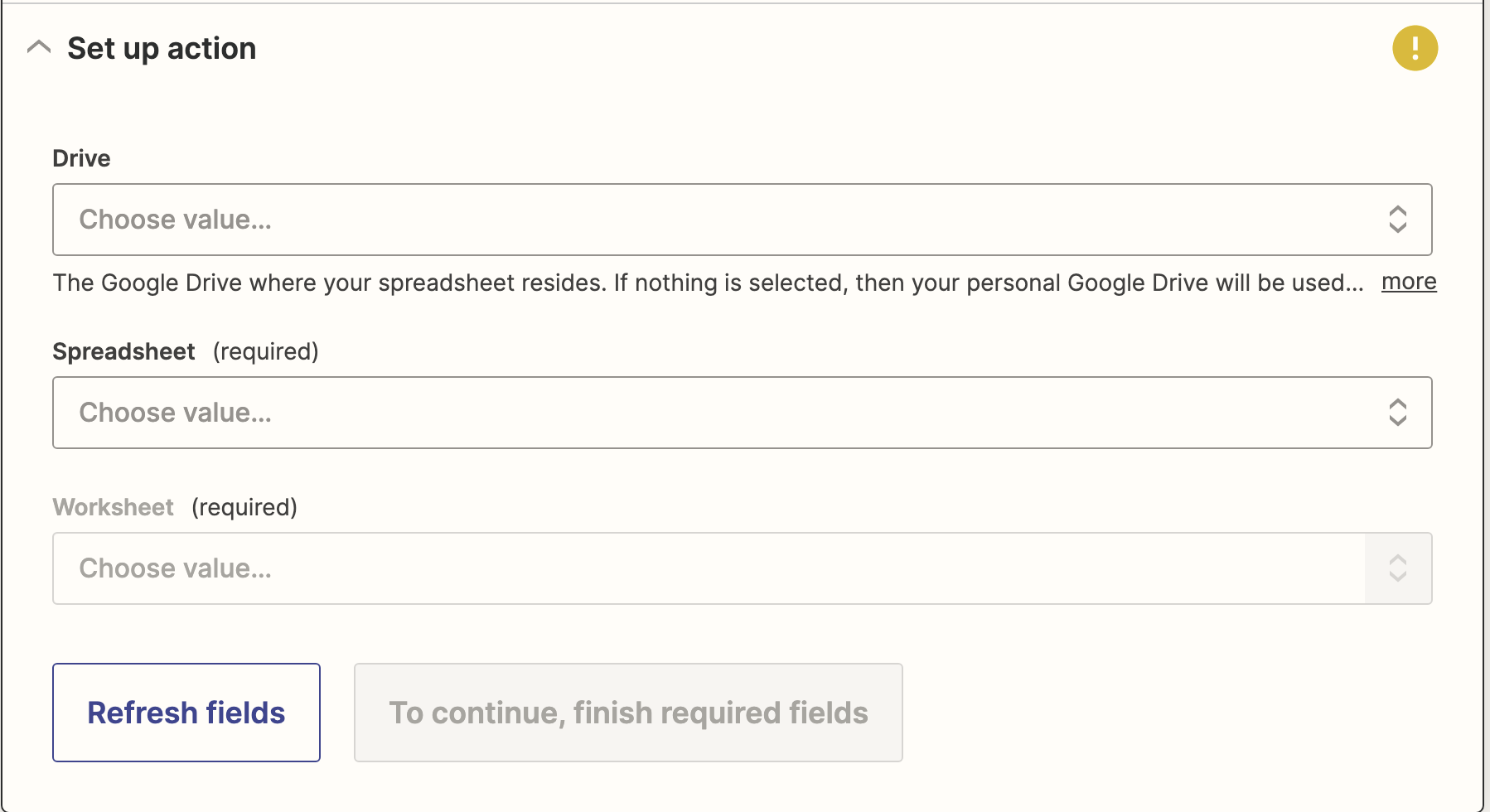
Exporting Conversations From RingBot.
You can't directly export conversations from RingBot, but you can use our Zapier integration to have those conversations exported directly to your google drive or your customers google drive.
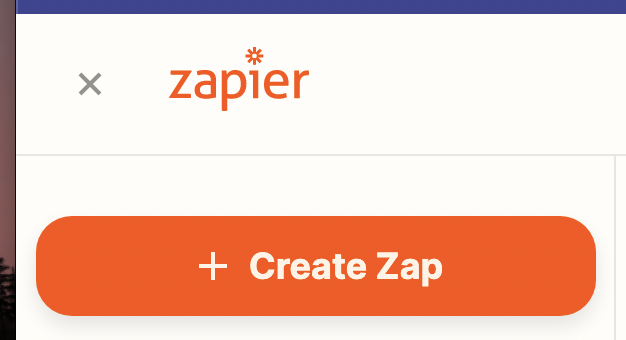
Step 1: Login to Zapier and click on Create Zap
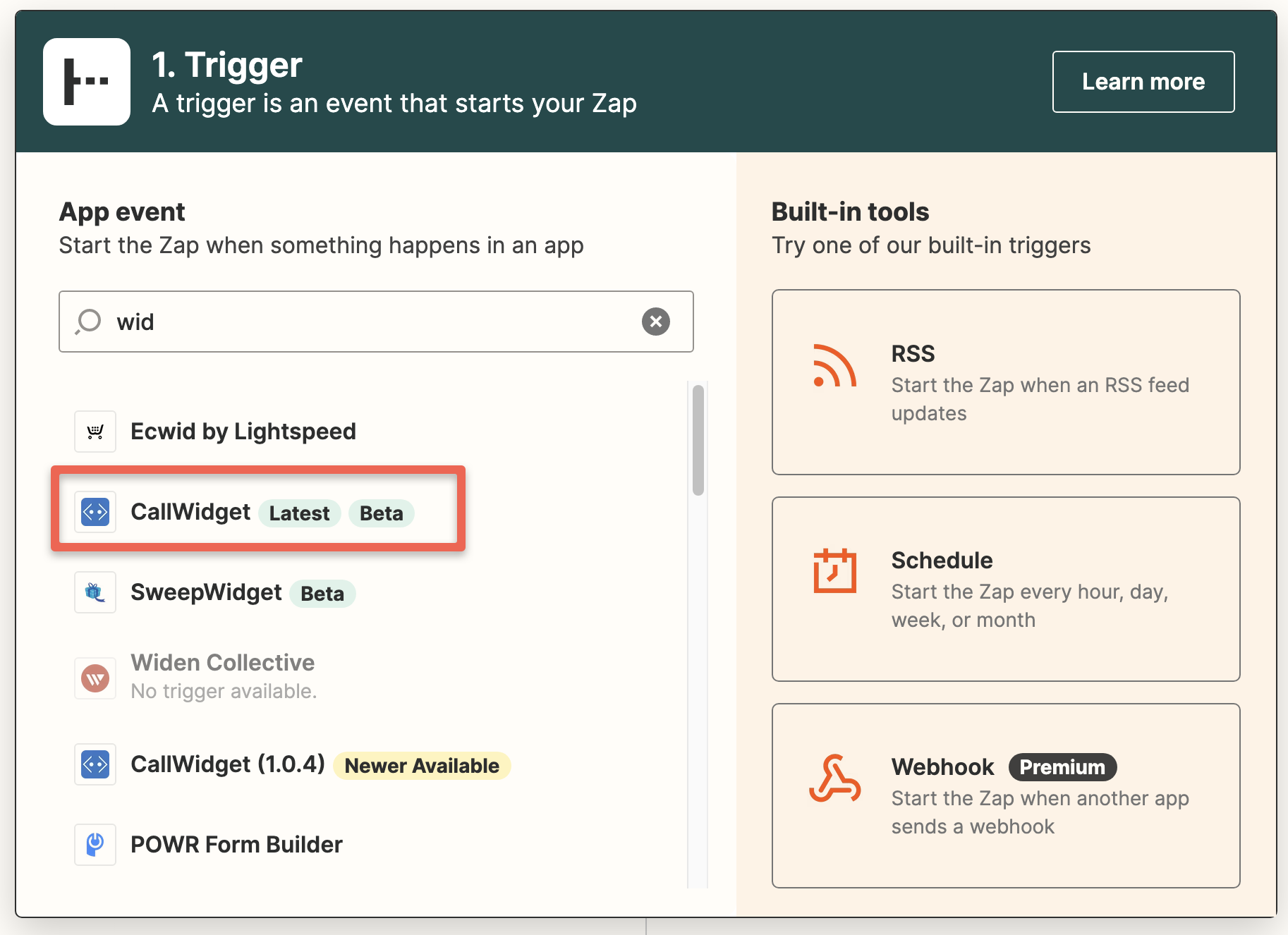
Step 2: Select your first trigger as Callwidget
Step 3: Choose your event of New Text Message
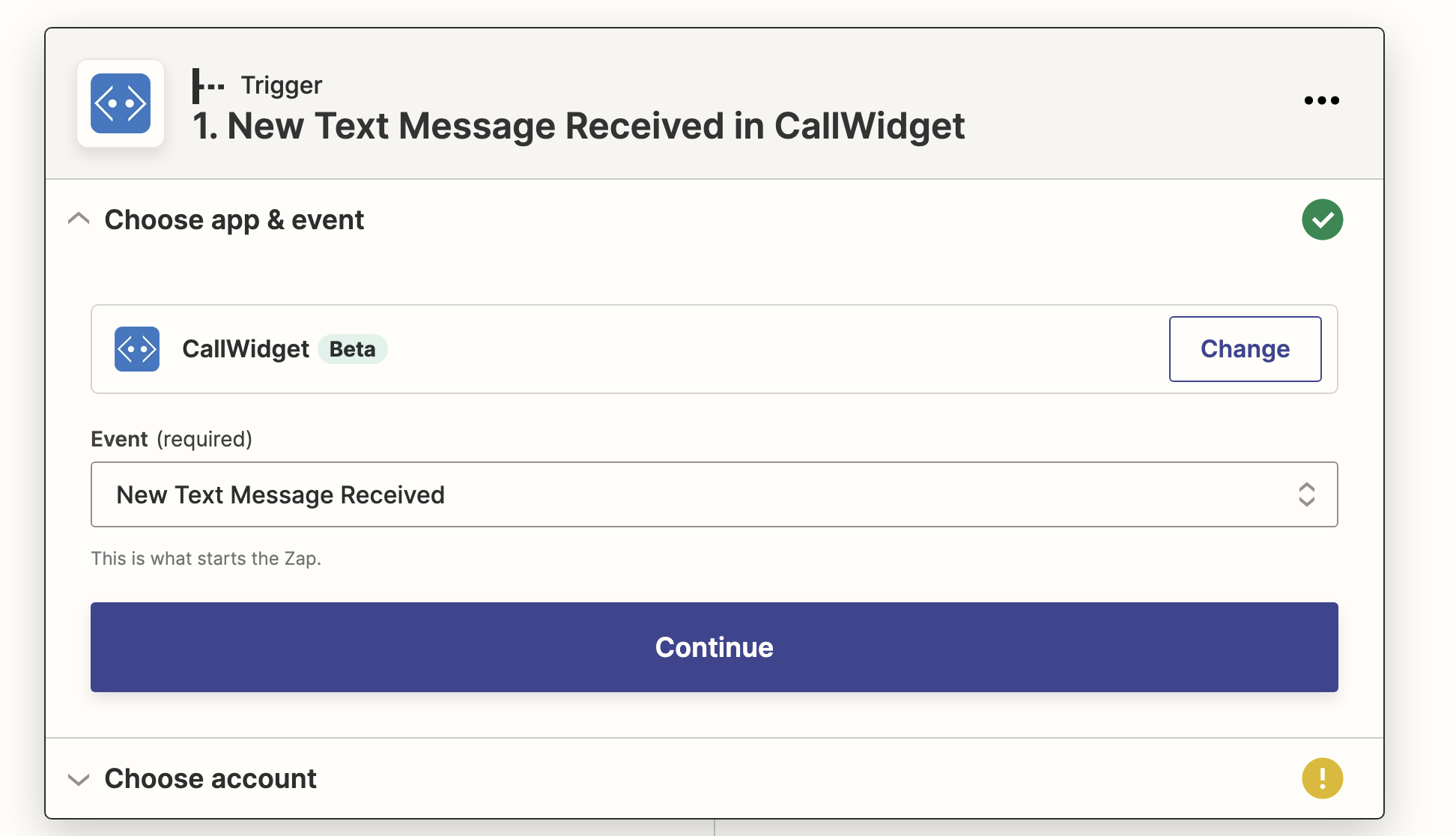
Step 4: Press Continue and Choose Widget Account
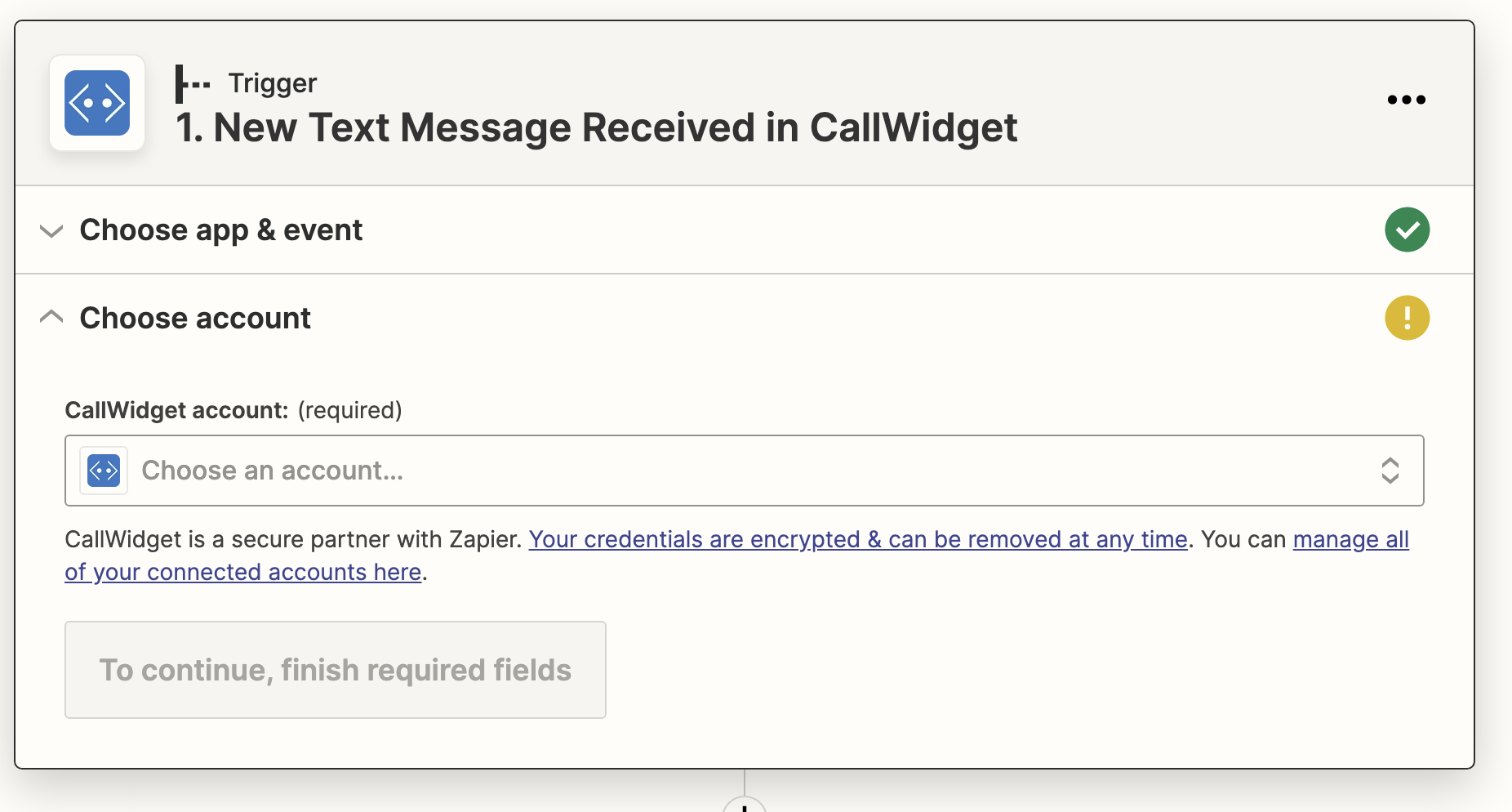
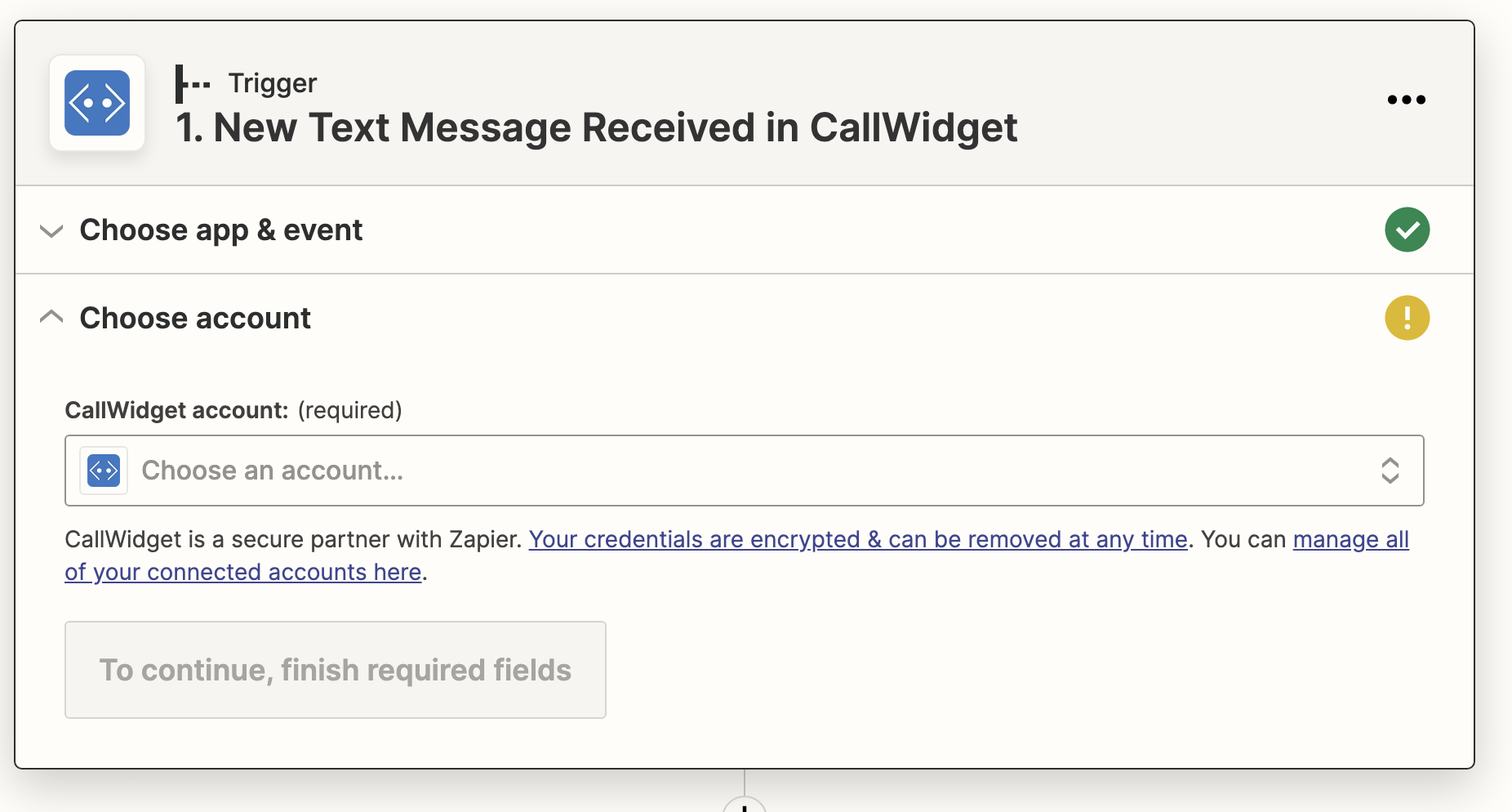
Step 5: Choose Install and Departments
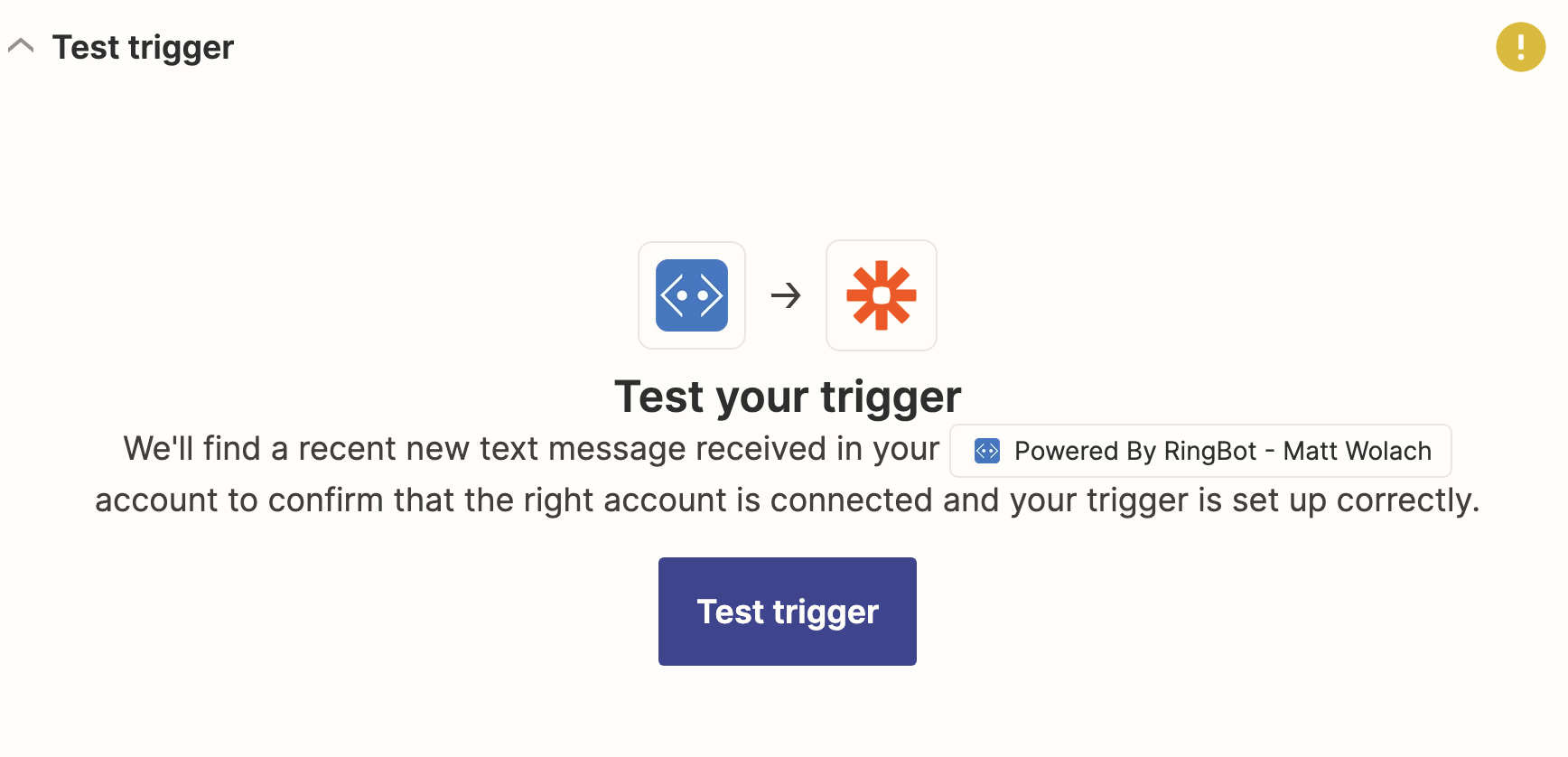
Step 6: Click Continue and Test Connection
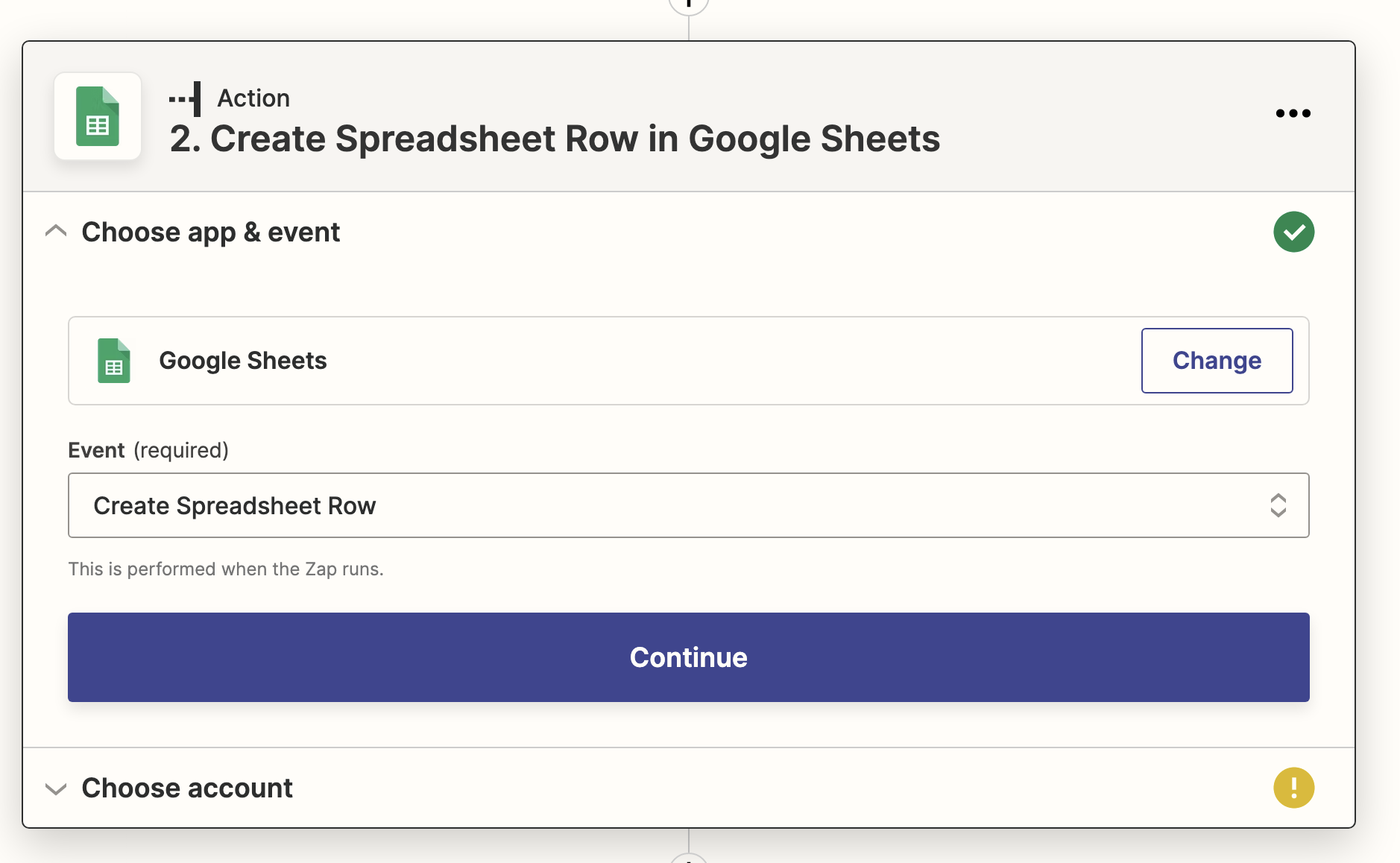
Step 7: Select Second Trigger of Your Choice. We will do google sheets.
Step 8: Click on Event Create Spreadsheet Row
Step 9: Choose your account you'd like for the conversations to go to this will be your google drive account in this instance.
Step 10: Choose your information for you spreadsheet
The drive
The spreadsheet (this will need to be created prior to setting up zap)
The worksheet