
Step 1: Go to Automations it looks like a little wand on the left hand side of the screen.
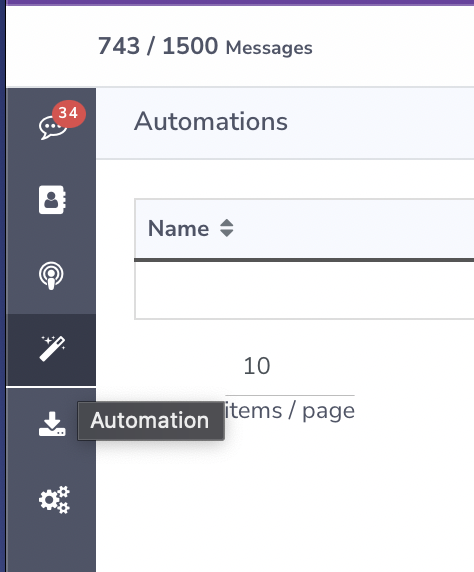
Step 2: Locate the automation that is not triggering. Click the 3 dots and click edit.

Step3: Click the blue "Keyword Text Message"
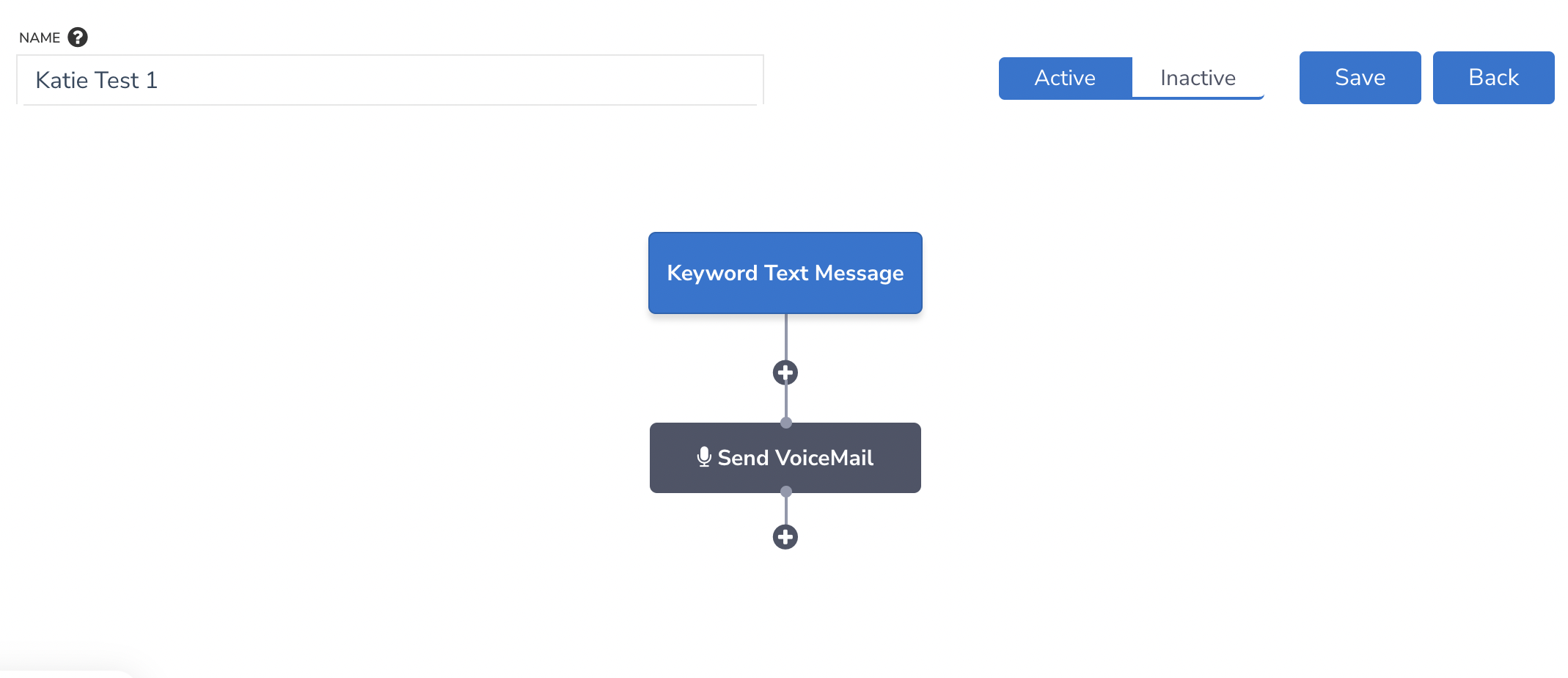
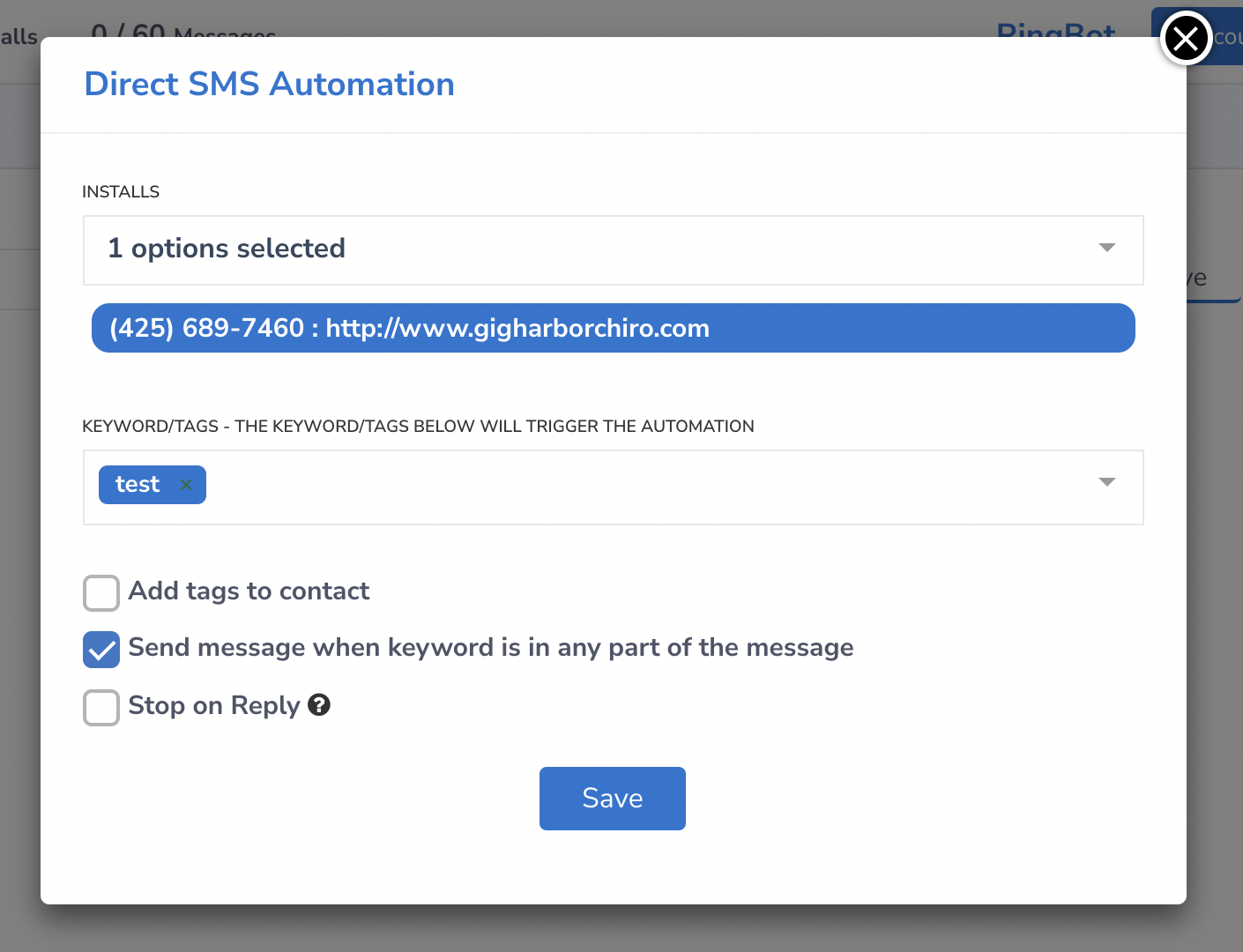
Step 4: Make sure that your "Send message when keyword is in any part of the message" checked
Step 5: Retest the automation.
If your automation is still not working please contact us at support.